Finding the right free cloud storage can feel like a balancing act. You want enough space for your high-res photos and documents, but you also need to know your data is secure and accessible across all your devices.
In 2026, the landscape of digital storage has shifted. While some “giants” have trimmed their free offerings, a few reliable providers still offer generous tiers that won’t cost you a penny.
If you are looking to declutter your hard drive without opening your wallet, here are the 7 best free cloud storage options for personal use, offering up to 20 GB (and in some cases, much more).
What Is Free Cloud Storage and Why Do You Need It?
Free Cloud Storage is an online service where users can save files on remote servers instead of their devices.
Key benefits include:
Access files from anywhere
Backup important data
Share files easily
Save device space
Protect data from loss
Whether someone is a student, professional, or casual user, free cloud storage offers flexibility and peace of mind.
7 Best Free Cloud Storage Options for Personal Use
1. MEGA – The Gold Standard for Free Space (20 GB)
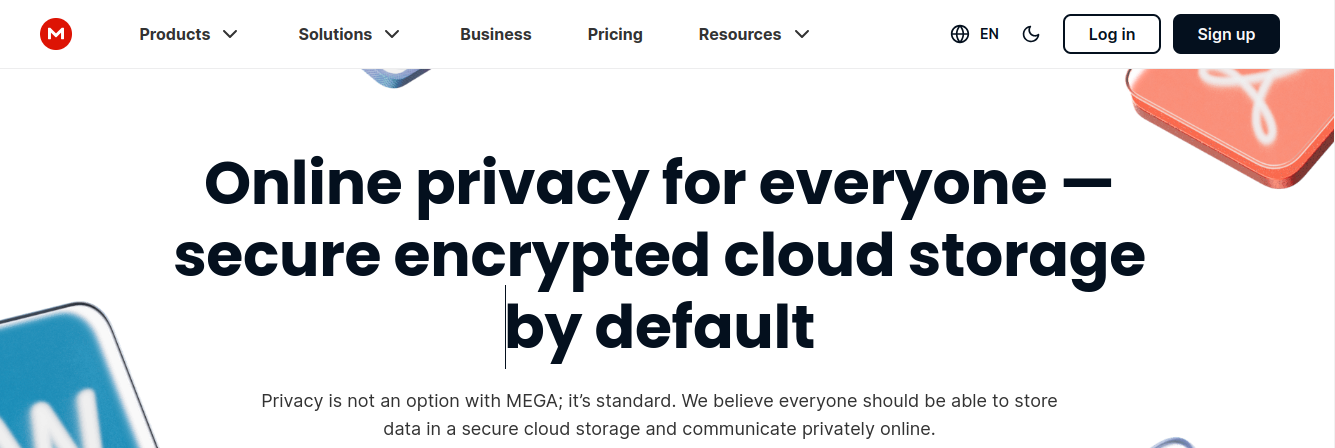
MEGA continues to lead the pack when it comes to raw storage capacity on a free tier. While many competitors hover around 5 GB, MEGA provides a generous 20 GB of free cloud storage right out of the gate.
Why It’s Great for Personal Use
Zero-Knowledge Encryption: MEGA is famous for its privacy. Your files are encrypted locally before they even reach their servers, meaning only you have the keys.
Generous Transfer Quotas: While there are limits on how much you can download in a short window, it is more than enough for casual personal use.
User-Friendly App: Their mobile and desktop apps are sleek and support automatic photo backups.
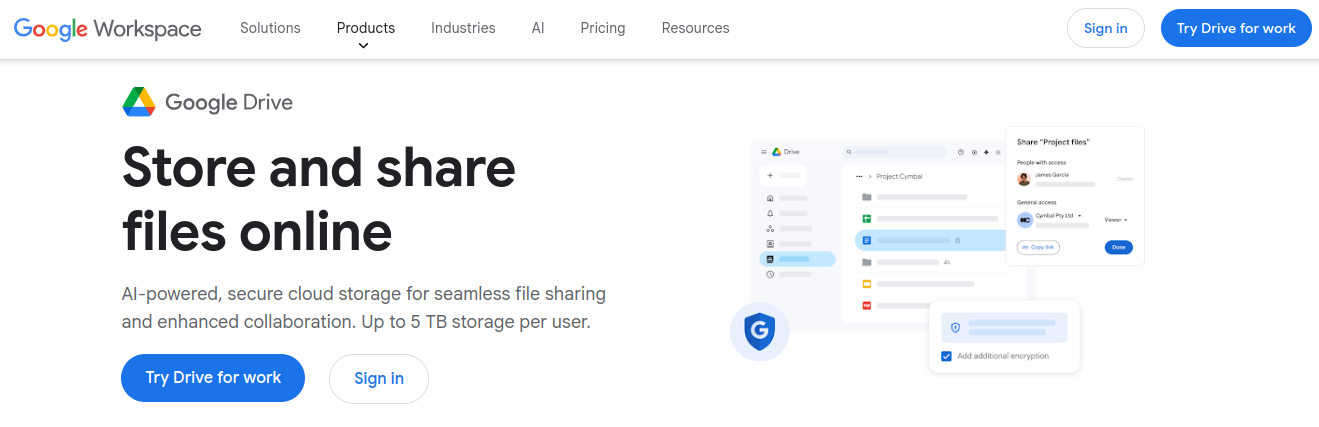
If you have a Gmail account, you already have one of the most powerful free cloud storage tools available. Google Drive offers 15 GB, though keep in mind this is shared across Gmail and Google Photos.
Why It’s Great for Personal Use
Seamless Integration: It works perfectly with Google Docs, Sheets, and Slides.
Powerful Search: Leveraging Google’s search tech, finding a specific file is incredibly fast.
Collaboration: It is the industry standard for sharing folders and editing files with friends or family in real-time.
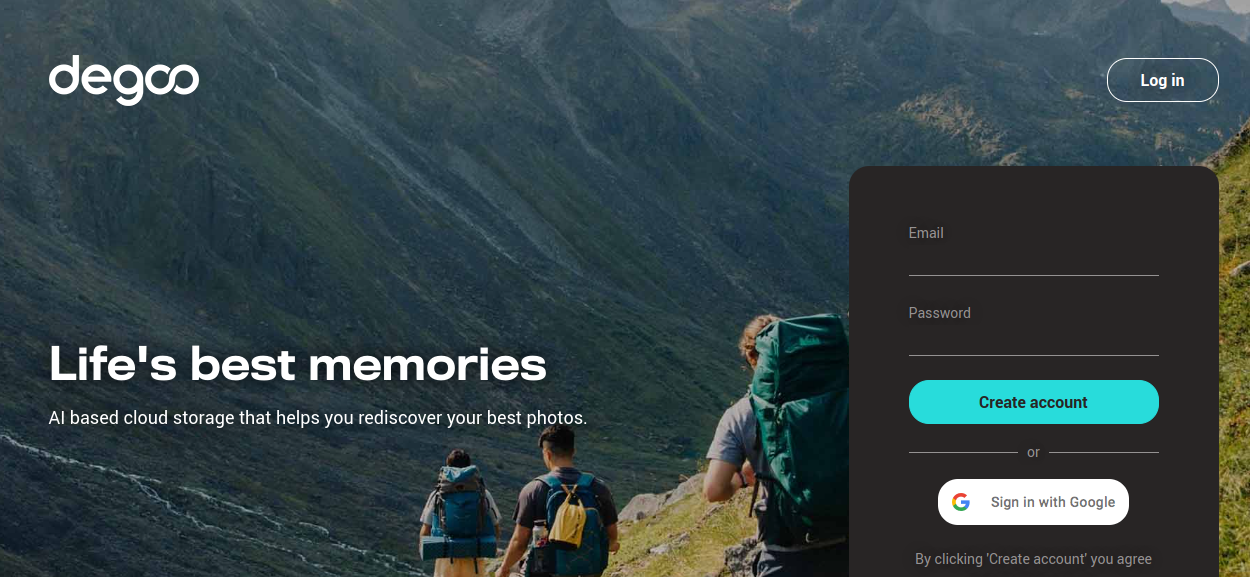
Degoo is a mobile-first provider that focuses heavily on “memories”—specifically your photos and videos. Their current free tier offers 20 GB, making it a top contender for those with large media libraries.
Why It’s Great for Personal Use
High Capacity: They often offer “referral bonuses” that can push your storage even higher.
AI Discovery: The app features a “Moments” feed that helps you rediscover old photos.
Security: Despite the large free tier, they still offer 100% encrypted communication.
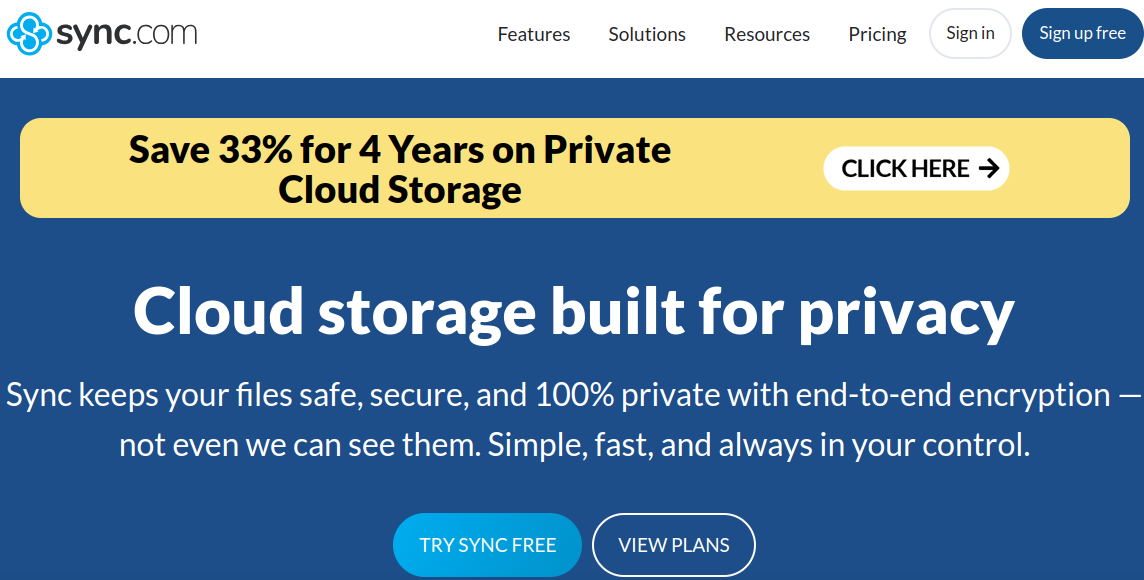
While the base 5 GB might seem lower than MEGA, Sync.com is the go-to for anyone worried about data leaks.
Why It’s Great for Personal Use
100% Private: They are a zero-knowledge provider, meaning they can’t see your data even if they wanted to.
Referral Program: You can expand your 5 GB limit significantly by inviting friends (up to 20 GB total).
Vault Feature: Move files into the “Vault” to keep them only in the cloud and save space on your local device.
7. TeraBox – The “Over-the-Top” Alternative (1 TB)
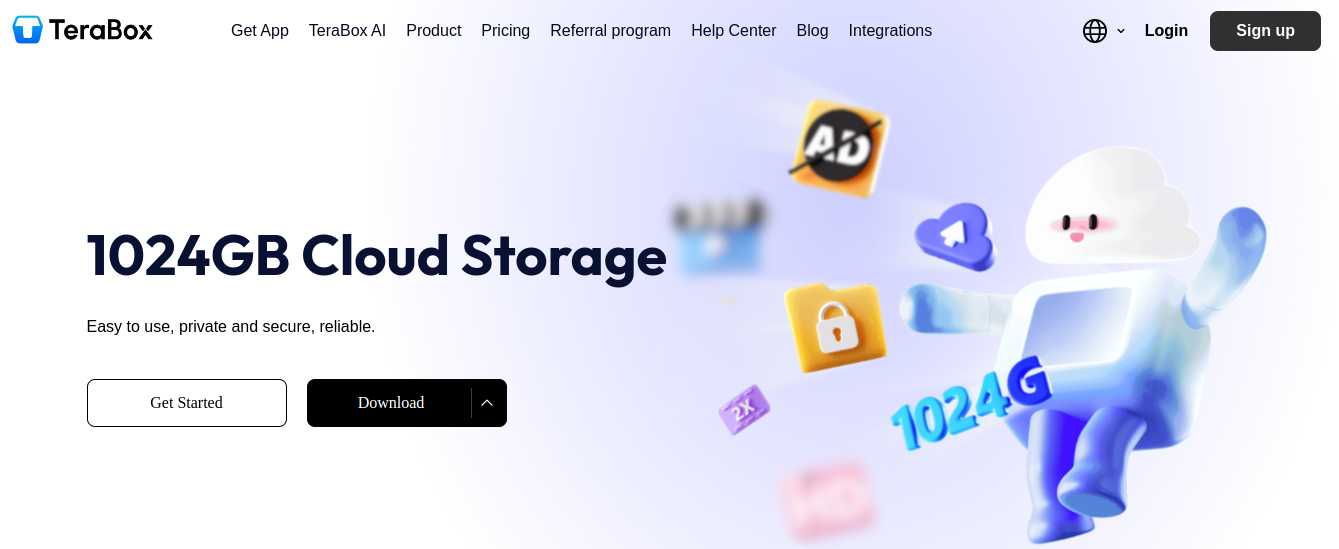
We have to mention the outlier. While our list focuses on the “up to 20 GB” range for balanced performance and privacy, TeraBox offers a staggering 1 TB (1024 GB) for free.
The Trade-off
Ads: To support such a massive free tier, the app is ad-supported.
Privacy: It doesn’t offer the same level of end-to-end encryption as MEGA or Sync.com.
Usage: It’s best for non-sensitive data like movie collections or large public-domain archives.
How to choose the right Free Cloud Storage
Short checklist:
Device ecosystem: prefer Google Drive or Apple iCloud if tied to Android or iOS, respectively.
Privacy needs: choose services with client-side encryption (MEGA, pCloud with Crypto).
Collaboration vs backup: Box and Dropbox shine for sharing; Google Drive and OneDrive are ideal for document workflows.
Quota management: use storage-management tools (Google One storage manager, iCloud settings) to free space before upgrading.
Conclusion
Free cloud storage is one of the best solutions for managing personal files safely and easily.
Platforms like Google Drive, MEGA, and OneDrive offer reliable and secure storage without cost.
Choosing the right Free Cloud Storage depends on personal needs, storage size, and security preferences.
Using cloud storage ensures:
File safety
Easy access
Better organisation
Start using free cloud storage today to protect your digital life.
FAQs About Free Cloud Storage
1. Is free cloud storage actually safe?
Yes, most reputable providers use AES 256-bit encryption. However, for maximum privacy, look for “Zero-Knowledge” providers like MEGA or Sync.com, where the company cannot access your files.
2. Can I use multiple free cloud storage accounts?
Absolutely! Many users “stack” accounts—using Google Drive for documents and MEGA for private backups—to maximize their total free space.
3. Will my files be deleted if I don’t log in?
Some providers, like Degoo, require you to log in every 90 days to keep your free account active. Always check the “Inactivity Policy” of the service you choose.
Tanu Vishwakarma, a seasoned social media marketer, possesses a passion for promoting businesses online. She specialises in crafting creative strategies to captivate potential customers. Her dedication to staying updated on industry trends ensures that her methods are always effective. Tanu thrives on helping businesses shine in the digital realm.
Cloud migration can help businesses improve scalability, performance, security, and infrastructure efficiency. However, moving applications, databases, and workloads from on-premises environments to the cloud comes with one major concern: downtime. […]
The food industry is evolving faster than ever. With rising digital adoption, on-demand culture, and shifting consumer behaviour, the cloud kitchen business model is becoming a dominant force in 2026. […]
In 2026, we generate more data than ever—from high-resolution 8K travel videos to AI-generated art and essential work documents. Keeping all this on a physical hard drive is like carrying […]