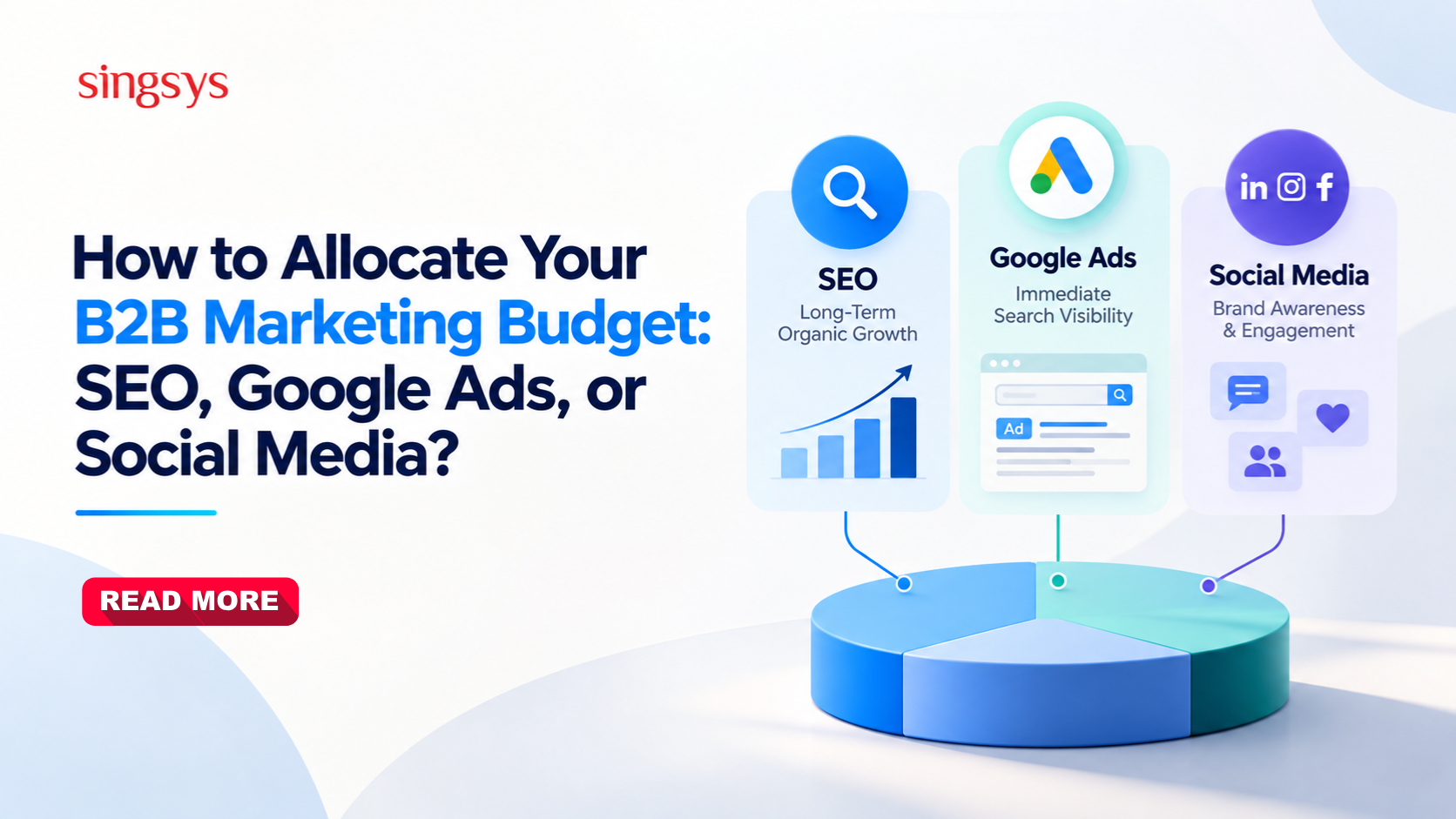
Allocating a B2B marketing budget is an important decision for businesses looking to generate qualified leads, increase brand visibility, and build a consistent sales pipeline. With multiple digital marketing channels available, deciding how much to invest in SEO, Google Ads, and social media can be challenging.
Each channel serves a different purpose. SEO helps businesses attract relevant organic traffic over time, Google Ads captures demand from people actively searching for solutions, and social media supports brand awareness, engagement, and relationship building.
The right approach is not necessarily choosing one channel over another. It is understanding your business objectives, sales cycle, target audience, and available resources to distribute your B2B marketing budget effectively.
Have you ever wished that running Google Ads could be simpler, smarter, and more effective—all at the same time?
If yes, then Google’s latest innovation might be exactly what you’ve been waiting for. Introducing Google Ads Search Max, a fresh approach to search advertising that blends the power of AI and automation to transform how businesses reach their audience.
In this blog, we’ll break down what Search Max is, how it works, its key features and benefits, the challenges it presents, and whether it’s the right fit for your business. No complicated jargon here—just real, easy-to-understand information to help you make informed advertising decisions.
If you’re setting up the Google Ads Account for the first time, it can be a grueling task to know how to get your account set up properly, so we are here with a guide for you.
This guide is designed to not only walk you through setup but ensure you have the necessary assets in place to run successful campaigns. Once your Gmail Account is established following this, step-by-step guide, you will be up and running in just a few hours: