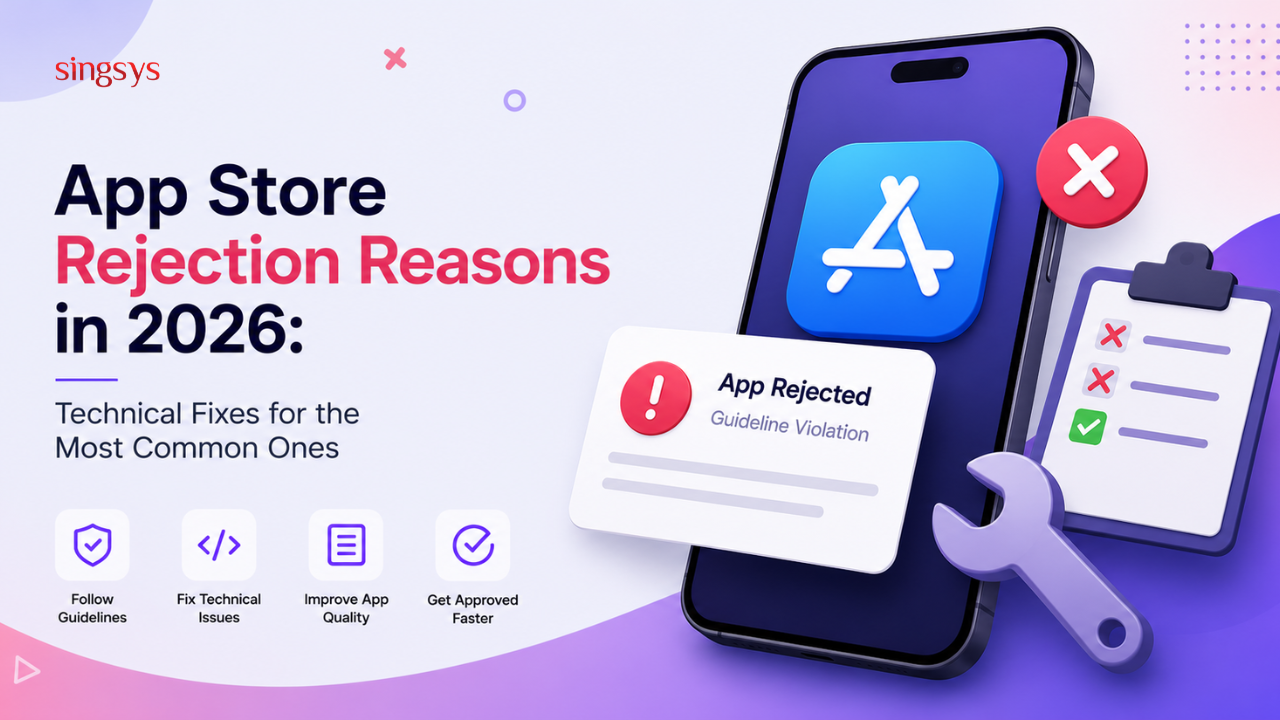
Launching an app is exciting, but getting the dreaded “Your app has been rejected” email from Apple can be frustrating. In 2026, the App Store review process has become stricter than ever. Apple is focusing heavily on privacy, performance, security, user experience, and compliance with the latest iOS guidelines.
For startups, enterprises, and developers, understanding the most common App Store rejection reasons in 2026 can save weeks of delays and thousands of dollars in redevelopment costs.
In this guide, we’ll break down the top rejection reasons, explain why they happen, and provide practical technical fixes that can help your app pass review faster.
Apple now uses a combination of automated scanning, AI-based policy detection, and human reviewers. This means even small technical issues can trigger a rejection.
Common areas under scrutiny include:
App crashes and performance
Privacy permissions
Tracking and data collection
In-app purchase compliance
Incomplete functionality
Misleading metadata
Security vulnerabilities
If your goal is successful iOS app development in 2026, these are the areas you must prioritise from day one.
1. App Crashes During Review
Why Apple Rejects It
A crash is still the #1 App Store rejection reason. Reviewers test apps on different devices, iOS versions, and network conditions. An app that works on your phone may fail during Apple’s review.
Common Technical Causes
Null pointer exceptions
Memory leaks
API timeout handling
Unhandled edge cases
Device-specific UI crashes
Technical Fix
Before submission, run:
Xcode Instruments for memory profiling
TestFlight beta testing with external users
Crashlytics or Sentry for real-time crash tracking
Example Fix
Instead of:
let name = user.profile.name!
Use:
guard let name = user.profile?.name else {
return
}
This prevents crashes caused by missing data.
2. Privacy Permission Mismatch
Why It Happens
Apple checks whether the permissions requested in your app match the actual functionality.
For example, requesting camera access when the feature is not clearly visible can lead to rejection.
Technical Fix
Ensure every permission has a clear usage description in Info.plist.
Correct Example
<key>NSCameraUsageDescription</key>
<string>We use the camera to allow users to scan QR codes for secure login.</string>
Avoid vague descriptions such as:
“App needs camera access”
“Required for functionality”
Apple prefers specific, user-friendly explanations.
3. Incomplete or Broken Features
Why Apple Rejects It
Many teams submit apps with:
Placeholder buttons
“Coming Soon” screens
Disabled navigation
Empty API responses
Apple considers this an incomplete app.
Technical Fix
Implement feature flags so unfinished modules are hidden from production builds.
Example
if FeatureFlags.isChatEnabled {
showChatScreen()
}
This allows you to ship a stable version while continuing development internally.
4. App Tracking Transparency (ATT) Violations
The 2026 Reality
Apple has tightened enforcement around tracking. If your app collects data for advertising or cross-app tracking, the ATT prompt is mandatory.
Technical Fix
Request tracking permission only when necessary.
Correct Implementation
ATTrackingManager.requestTrackingAuthorization { status in
switch status {
case .authorized:
startAnalytics()
default:
startPrivacyFriendlyAnalytics()
}
}
Do not block core app functionality if the user declines tracking.
5. Misleading Metadata and Screenshots
Why It Matters
Your App Store listing must accurately represent the app.
Rejections occur when:
Screenshots show unavailable features
Promotional text exaggerates functionality
Keywords are stuffed unnaturally
Technical Fix
Create screenshots directly from the current production build and maintain a metadata checklist.
Checklist:
Screenshots match the submitted version
Feature names are accurate
Subscription pricing is visible
No unsupported claims
This also improves App Store SEO (ASO).
6. In-App Purchase (IAP) Non-Compliance
Common Rejection Scenario
Apps offering digital content but using external payment methods are frequently rejected.
Examples:
Premium subscriptions
Digital courses
Virtual credits
AI features sold inside the app
Technical Fix
Use StoreKit 2 for all digital purchases.
Basic Implementation
let result = try await product.purchase()
Also ensure:
Restore Purchases button is visible
Subscription terms are accessible
Billing information is clear before purchase
7. Poor Performance on Older Devices
Why Apple Cares
Reviewers often test on devices that are not the latest iPhone models. Heavy animations, large image assets, or inefficient API calls can make the app feel sluggish.
Technical Fixes
Image optimisation
Use WebP or HEIF where appropriate
Lazy-load large assets
Cache remote images
API optimisation
Implement pagination
Compress JSON responses
Use background fetching
UI optimisation
Avoid unnecessary re-renders
Use SwiftUI performance profiling tools
Reduce main-thread blocking operations
8. Security and Data Exposure Issues
2026 Security Expectations
Apple increasingly rejects apps that expose sensitive data through insecure APIs or local storage.
Technical Fix
Use Keychain for sensitive data
KeychainHelper.save(token, forKey: “authToken”)
Enforce HTTPS
Add App Transport Security (ATS) compliance and remove insecure endpoints.
Validate server certificates
Implement certificate pinning for critical financial or healthcare applications.
A Pre-Submission Technical Checklist
Before clicking “Submit for Review,” verify these items:
Area
Check
Stability
No crashes in TestFlight
Privacy
All permissions explained clearly
Tracking
ATT implemented correctly
Payments
StoreKit 2 used for digital purchases
Performance
Tested on older iPhones
Security
HTTPS + secure storage enabled
Metadata
Screenshots match current build
Functionality
No placeholders or broken flows
This checklist alone can eliminate the majority of common App Store rejections.
How Long Does a Rejection Delay Launch?
In 2026, a rejection typically adds:
Minor fix: 1–3 days
Privacy or IAP issue: 3–7 days
Architectural/security issue: 1–3 weeks
For businesses planning marketing campaigns, these delays can impact ad spend, influencer launches, and investor timelines.
App Store rejection reasons in 2026 are no longer just about obvious bugs. Apple is evaluating apps across technical quality, privacy compliance, payment integrity, security, and user trust.
The good news is that most rejections are preventable.
By implementing proper crash handling, accurate permission descriptions, StoreKit 2 integration, ATT compliance, performance optimisation, and secure data practices, developers can dramatically improve their approval rate and reduce launch delays.
If you’re building a new iOS product, treat App Store compliance as part of the development process—not a final checklist before release. That mindset shift is often the difference between a smooth launch and weeks of frustrating resubmissions.
A well-tested, privacy-first, and performance-optimised app not only passes Apple review more easily but also delivers a better experience for users, which ultimately leads to higher ratings, better retention, and stronger App Store rankings in 2026.
Tanu Vishwakarma, a seasoned social media marketer, possesses a passion for promoting businesses online. She specialises in crafting creative strategies to captivate potential customers. Her dedication to staying updated on industry trends ensures that her methods are always effective. Tanu thrives on helping businesses shine in the digital realm.
Singapore’s tropical climate can change quickly, with bright sunshine giving way to sudden showers, thunderstorms, or heavy rainfall. For residents, commuters, tourists, and businesses, reliable weather information can make everyday […]
Mobile applications have become an essential investment for businesses in Singapore looking to improve customer engagement, streamline operations, and expand their digital presence. From startups launching their first product to […]
India’s grocery shopping landscape is rapidly becoming more digital, creating opportunities for startups to build convenient and scalable grocery delivery platforms. Consumers increasingly expect to discover products, compare prices, place […]