In case of Marshmallow some user interaction was involved before an update is being downloaded and is equally time taking. This takes a fairly long time because of the way the files are copied and moved — it’s a bit-by-bit transfer. The files actually are moved to memory in chunks, erased from their original position and rewritten to the new position. This is the best way to make sure nothing gets corrupted while it’s being installed.
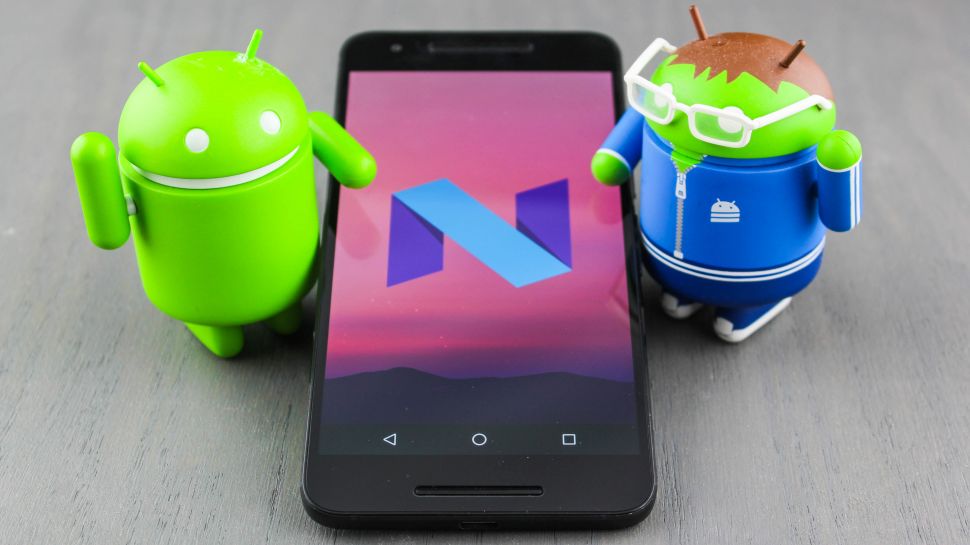
With Android 7.0 Nougat, your phone will update in a use friendly manner. All the downloading and copying of files will be done in the background while your phone is still accessible and once it’s finished you will be notified that your system will upgrade the next time you reboot your phone. And flexibility of the runtime compiler mean that you don’t need to sit through the process of updating all of your apps when you reboot.
How Seamless update Works
With two different system partitions on a Smartphone. When using a phone that can perform seamless updates, all the unpacking and transferring is done while one system partition is running, and things are copied and moved into the second partition.
Once all the processing is over you can reboot and use new system partition. This process is done without moving or renaming the partition as they are numbered.
Related Posts...
GoogleMobile AppsTechnologiesWhat is New!What's Hot
Sep 29th, 2026
Mobile applications have become an essential investment for businesses in Singapore looking to improve customer engagement, streamline operations, and expand their digital presence. From startups launching their first product to […]
Read more
Sep 24th, 2026
India’s grocery shopping landscape is rapidly becoming more digital, creating opportunities for startups to build convenient and scalable grocery delivery platforms. Consumers increasingly expect to discover products, compare prices, place […]
Read more
Sep 22nd, 2026
The mobile app market continues to create new opportunities for businesses, entrepreneurs, and startups. As users increasingly rely on smartphones for shopping, financial management, entertainment, education, healthcare, productivity, and everyday […]
Read more
