Mobile apps are handling more sensitive data than ever before. From personal details to financial transactions, users trust apps to keep their information safe. That’s why security is no longer optional—it is a must.
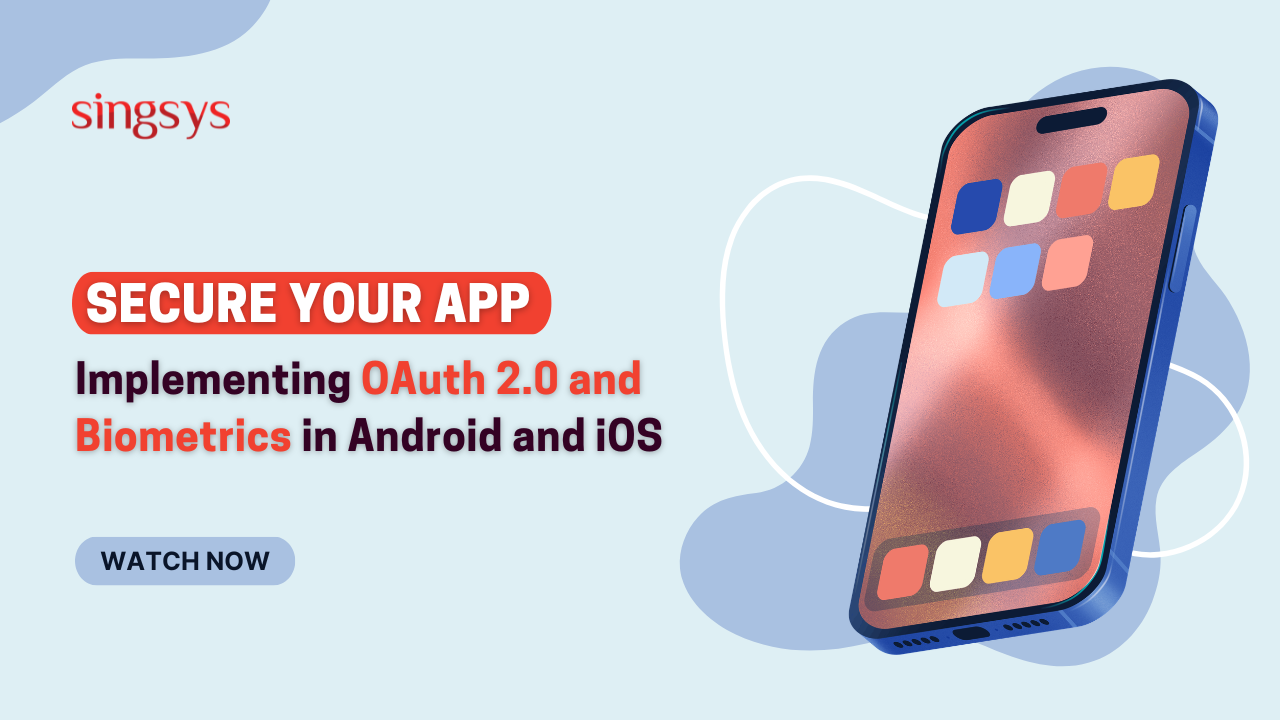
If you are working with an app development company, one of the most important things to focus on is how your app handles authentication and user data protection. Two of the most powerful methods used today are OAuth 2.0 and biometric authentication.
In this blog, we will explain these technologies in simple words and show how they can be implemented in Android and iOS app development to create secure and user-friendly mobile applications.
For Android apps, OAuth 2.0 is commonly implemented using Google Sign-In or other identity providers.
Key Steps
Register your app with the provider (e.g., Google Developer Console)
Obtain client ID and secret keys
Use authentication libraries (like Google Identity Services)
Handle access tokens securely
Validate tokens on your backend
Best Practices
Always use HTTPS
Store tokens securely
Avoid saving sensitive data on the device
Use refresh tokens carefully
A professional Android app development company ensures these steps are followed correctly.
Implementing OAuth 2.0 in iOS Apps
In iOS apps, OAuth 2.0 is implemented using frameworks like ASWebAuthenticationSession or third-party SDKs.
Key Steps
Configure your app with the authentication provider
Use secure web authentication sessions
Handle callback URLs
Store tokens securely in Keychain
Validate authentication on the server
Best Practices
Use Apple’s secure APIs
Avoid storing sensitive data in plain text
Use Keychain for secure storage
An experienced iOS app development company ensures smooth and secure integration.
What is Biometric Authentication?
Biometric authentication uses physical characteristics of a user to verify identity. This includes:
Fingerprint scanning
Face recognition
Iris scanning
In mobile apps, the most common forms are fingerprint and face ID.
Benefits of Biometric Authentication
1. High Security
Biometric data is unique and difficult to copy.
2. Faster Login
Users can log in instantly without typing passwords.
3. Better User Experience
Simple and convenient authentication method.
4. Reduced Password Dependency
No need to remember complex passwords.
For modern apps, biometric authentication is a must-have feature.
Implementing Biometrics in Android Apps
Android provides the BiometricPrompt API to support fingerprint and facial recognition.
Steps to Implement
Check if the device supports biometrics
Request user permission
Use BiometricPrompt API
Handle authentication callbacks
Securely connect with backend
Best Practices
Always provide a fallback (PIN or password)
Do not store biometric data yourself
Use secure system APIs only
A skilled Android app development company ensures proper implementation without compromising security.
Implementing Biometrics in iOS Apps
iOS supports biometrics through Face ID and Touch ID using the LocalAuthentication framework.
Steps to Implement
Check device compatibility
Request authentication using Face ID or Touch ID
Handle success and failure cases
Securely manage authentication results
Best Practices
Use Keychain for secure data storage
Always include fallback authentication
Follow Apple security guidelines
A reliableiOS app development company ensures that biometric authentication is both secure and user-friendly.
Combining OAuth 2.0 and Biometrics for Maximum Security
Using OAuth 2.0 and biometrics together creates a powerful security system.
How They Work Together
OAuth 2.0 handles secure login and authorisation
Biometrics provide quick and secure access after login
For example:
A user logs in using Google (OAuth 2.0)
Next time, they unlock the app using fingerprint or Face ID
This combination improves both security and convenience.
Common Security Mistakes to Avoid
Even with advanced technologies, mistakes can happen.
Avoid These Common Errors
Storing passwords in plain text
Using insecure APIs
Not encrypting data
Ignoring token expiration
Skipping backend validation
A professional app development company always follows strict security guidelines to avoid these issues.
Why Choose a Professional App Development Company?
Security is complex. It requires expertise, planning, and proper implementation.
A trusted Android app development company or iOS app development company can:
Implement secure authentication systems
Follow best security practices
Ensure compliance with standards
Protect user data effectively
Deliver a smooth user experience
Working with experts reduces risks and improves the overall quality of your app.
Conclusion
Security is one of the most important aspects of mobile app development. By using OAuth 2.0 and biometric authentication, businesses can protect user data while offering a smooth and convenient experience.
Whether you are building an Android or iOS app, these technologies help create a secure, reliable, and future-ready application.
Investing in the right security solutions today can save your business from major risks tomorrow.
Secure Your App with Experts
If you are planning to build a secure mobile application, choosing the right partner is essential.
Singsys is a trusted app development company offering advanced Android and iOS app development services with strong security integration, including OAuth 2.0 and biometric authentication.
Contact Singsys today to build a secure, scalable, and high-performance mobile app that your users can trust!
Tanu Vishwakarma, a seasoned social media marketer, possesses a passion for promoting businesses online. She specialises in crafting creative strategies to captivate potential customers. Her dedication to staying updated on industry trends ensures that her methods are always effective. Tanu thrives on helping businesses shine in the digital realm.
Singapore’s tropical climate can change quickly, with bright sunshine giving way to sudden showers, thunderstorms, or heavy rainfall. For residents, commuters, tourists, and businesses, reliable weather information can make everyday […]
Mobile applications have become an essential investment for businesses in Singapore looking to improve customer engagement, streamline operations, and expand their digital presence. From startups launching their first product to […]
India’s grocery shopping landscape is rapidly becoming more digital, creating opportunities for startups to build convenient and scalable grocery delivery platforms. Consumers increasingly expect to discover products, compare prices, place […]