When an app has only a few users, database performance may not seem like a major concern. Queries return quickly, pages load smoothly, and everything appears to work as expected. But as your user base grows, the database can quickly become one of the biggest performance bottlenecks.
High-traffic applications handle thousands or even millions of database requests every day. If queries are inefficient, indexes are missing, or the database is not properly scaled, users may experience slow loading times, failed requests and frustrating delays.
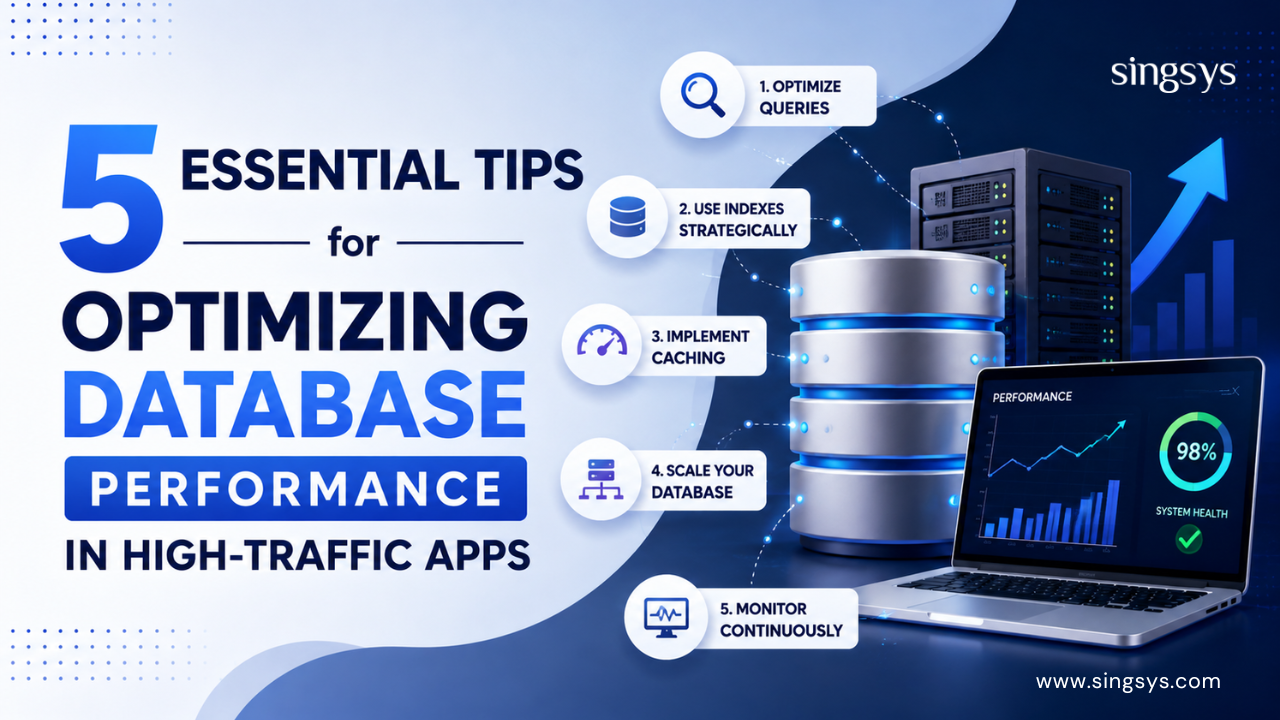
The good news is that database performance can be improved with the right strategy. Here are five essential tips for optimising database performance in high-traffic apps.
One of the simplest and most effective ways to improve database performance is to review how your application communicates with the database.
Poorly written queries can force the database to scan large amounts of data when only a small portion is actually needed. This becomes particularly expensive as your database grows.
Avoid unnecessary queries and retrieve only the information your application actually needs. For example, instead of requesting every column from a table, select only the required fields.
You should also identify slow queries using database monitoring and profiling tools. Look for queries that take too long, execute too frequently or consume excessive resources.
A few practical approaches include:
Avoid unnecessary SELECT * queries.
Retrieve only required records and columns.
Reduce repeated database requests.
Use pagination for large datasets.
Review complex joins and subqueries.
Monitor frequently executed queries.
Small improvements to frequently executed queries can make a noticeable difference when an application is handling thousands of requests.
2. Use Indexing Strategically
Indexes help databases find information faster without scanning an entire table. They are particularly useful for columns frequently used in searches, filtering, sorting and joins.
For example, if users regularly search for products by product ID or customers by email address, appropriate indexes can significantly reduce query time.
However, adding indexes to every column is not the answer. Indexes also consume storage and can slow down operations such as inserts, updates and deletes because the database needs to maintain them.
The goal is to create strategic indexes based on actual query patterns.
Regularly review your indexes and remove those that are unused or no longer necessary. Database query analysis can help you determine where indexing will provide the greatest benefit.
3. Introduce Caching for Frequently Accessed Data
Not every request needs to reach the database.
If your application repeatedly requests the same information, caching can reduce database load and improve response times. A caching layer stores frequently accessed data temporarily so that subsequent requests can be served much faster.
For example, an eCommerce application may repeatedly display product categories, while a news application may frequently request popular articles. Instead of querying the database every time, frequently accessed information can be cached.
Common caching strategies include:
Application-level caching
Query caching
In-memory caching
API response caching
Content Delivery Networks (CDNs) for suitable content
Tools such as Redis can also be used as an in-memory data store for high-speed access.
The important part is to have a clear cache invalidation strategy so users do not receive outdated information.
4. Scale Your Database When Necessary
Optimisation can take you a long way, but there may eventually be a point where a single database server is no longer enough.
High-traffic applications often use scaling strategies to handle increasing workloads.
Vertical scaling involves upgrading the existing database server with more CPU, RAM or faster storage. It can be relatively straightforward but has physical and cost limitations.
Horizontal scaling involves distributing workloads across multiple database servers. Depending on the architecture, this may involve read replicas, database sharding or distributed database systems.
For applications with significantly more read requests than write requests, read replicas can be particularly useful. Read operations can be distributed across replica databases while the primary database handles writes.
The right approach depends on your application’s traffic patterns, data architecture, consistency requirements and growth plans.
5. Monitor Database Performance Continuously
Database optimisation should not be treated as a one-time task.
Traffic patterns change. Databases grow. New features introduce new queries. A query that performs well with 100,000 records may become a problem when the database contains several million.
Continuous monitoring helps development teams identify problems before they become serious performance issues.
Keep an eye on metrics such as:
Query response time
CPU and memory usage
Database connections
Query throughput
Slow query frequency
Disk usage
Lock and wait times
Error rates
Set performance alerts for unusual changes so your team can investigate issues quickly.
Monitoring also helps you understand whether an optimisation has actually improved performance instead of relying on assumptions.
Bonus Tip: Design for Performance from the Beginning
Database performance is not only about fixing slow queries after an application becomes popular. Good database design from the beginning can prevent many performance problems later.
Use an appropriate database structure, define relationships carefully, choose suitable data types and consider how users will access the data.
It is also important to test your database under realistic traffic conditions. Load testing can reveal bottlenecks that may not appear during normal development.
Why Database Performance Matters for High-Traffic Apps
A slow database can affect much more than technical performance. When an application takes too long to respond, users may abandon it. For businesses, this can translate into lost conversions, lower engagement and a poor customer experience.
Database performance can also affect infrastructure costs. An inefficient application may require additional servers and resources simply to handle workloads that could have been reduced through better optimisation.
Optimising a database for a high-traffic application requires a combination of good development practices, smart architecture and continuous monitoring. Query optimisation, strategic indexing, caching, database scaling and performance monitoring can collectively help applications remain fast and reliable as traffic grows.
There is no single solution that works for every application. The best approach depends on your database technology, workload, architecture and business requirements.
If your application is experiencing slow response times, database bottlenecks or scalability challenges, it may be time for a deeper performance review.
Looking to build a faster, more scalable application? Partner with an experienced app development team to analyse your database architecture, identify performance bottlenecks and implement a solution designed for long-term growth.
Get in touch today to discuss your application performance and development requirements.
Frequently Asked Questions
1. Why does database performance decrease as app traffic increases?
As traffic grows, the database receives more queries and concurrent connections. Inefficient queries, insufficient resources, poor indexing and growing datasets can increase response times and create bottlenecks.
2. How do database indexes improve performance?
Indexes create a faster way for the database to locate specific records instead of scanning an entire table. They are especially useful for frequently searched, filtered, sorted or joined columns. However, excessive indexing can increase storage requirements and slow write operations.
3. Is caching necessary for every high-traffic application?
Not necessarily, but caching can be extremely useful when an application repeatedly requests the same data. It can reduce database workload and improve response times. The caching strategy should be based on the application’s traffic and data-access patterns.
4. When should a database be scaled?
Database scaling should be considered when optimisation alone is no longer sufficient and the database consistently approaches its resource limits. High query volume, increased response times, connection bottlenecks and growing workloads can indicate that additional capacity or a different architecture may be needed.
5. How often should database performance be monitored?
Database performance should ideally be monitored continuously, particularly for high-traffic applications. Real-time monitoring and alerts can help teams identify slow queries, resource spikes and other issues before they significantly affect users.
Tanu Vishwakarma, a seasoned social media marketer, possesses a passion for promoting businesses online. She specialises in crafting creative strategies to captivate potential customers. Her dedication to staying updated on industry trends ensures that her methods are always effective. Tanu thrives on helping businesses shine in the digital realm.
Cybersecurity is no longer just an IT concern—it’s a business necessity. As organisations continue to embrace artificial intelligence (AI), cloud computing, remote work, and connected devices, cybercriminals are becoming more […]
Cloud migration has become a major step for businesses looking to improve flexibility, scalability, and operational efficiency. From startups to large enterprises, companies are moving their applications, databases, and business […]
From small businesses to global enterprises, organisations of all sizes are facing increasing risks such as data breaches, ransomware attacks, phishing scams, and system outages. This is where Cyber Security […]